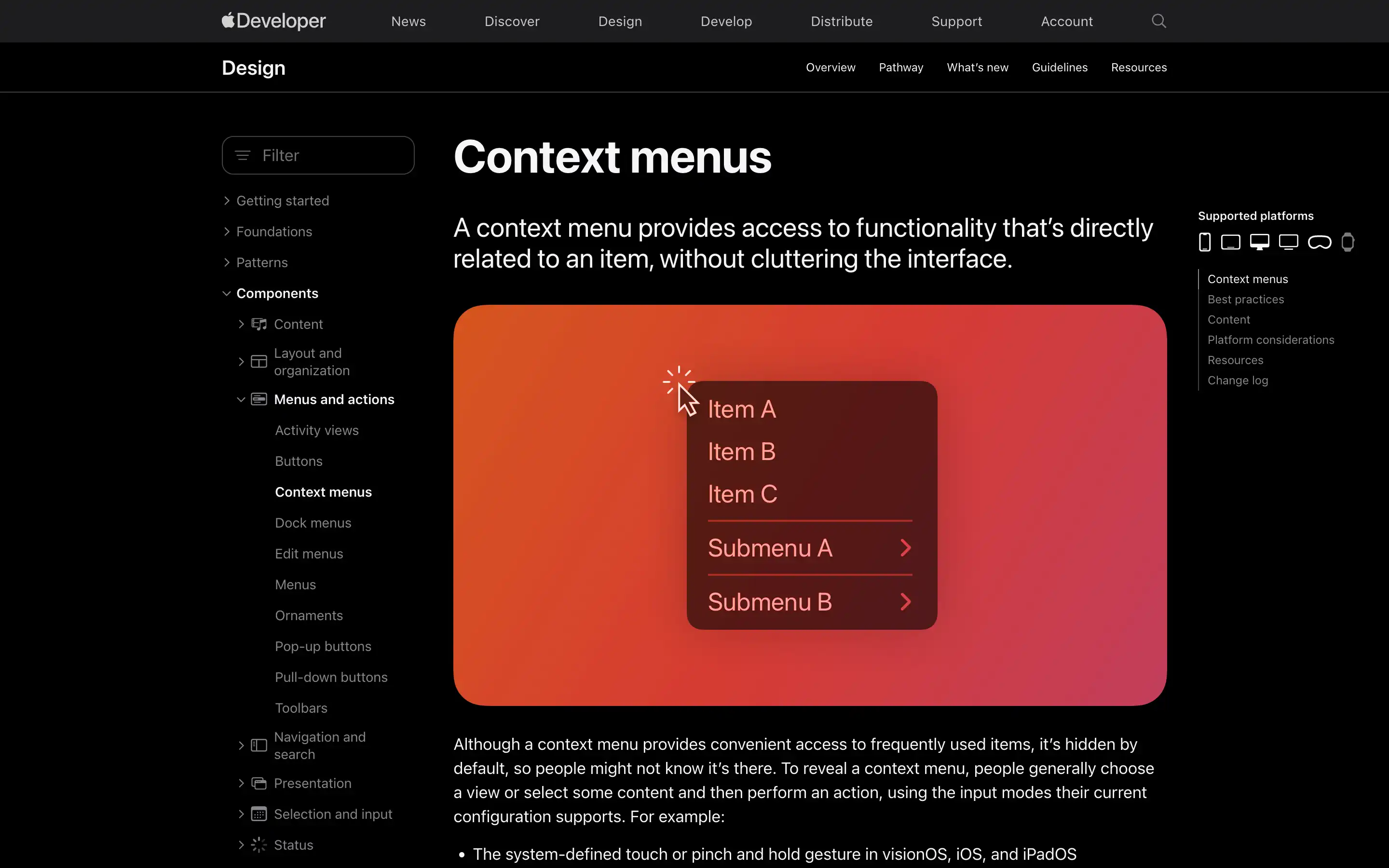
Context menus are a powerful feature that allows users to quickly access frequently used commands related to a specific item or content. These menus are hidden by default but can be revealed through various input methods, such as touch gestures or keyboard shortcuts.
The key is to prioritize relevancy when choosing which items to include. A context menu should only contain the most essential commands that users are likely to need in that particular context. Keeping the menu concise, with no more than a few groups of related items, ensures it remains easy to scan and use.
Overall, context menus are a valuable way to streamline everyday tasks and provide users with fast access to essential functionality. Careful design and adherence to platform-specific best practices are key to ensuring an intuitive and efficient experience.