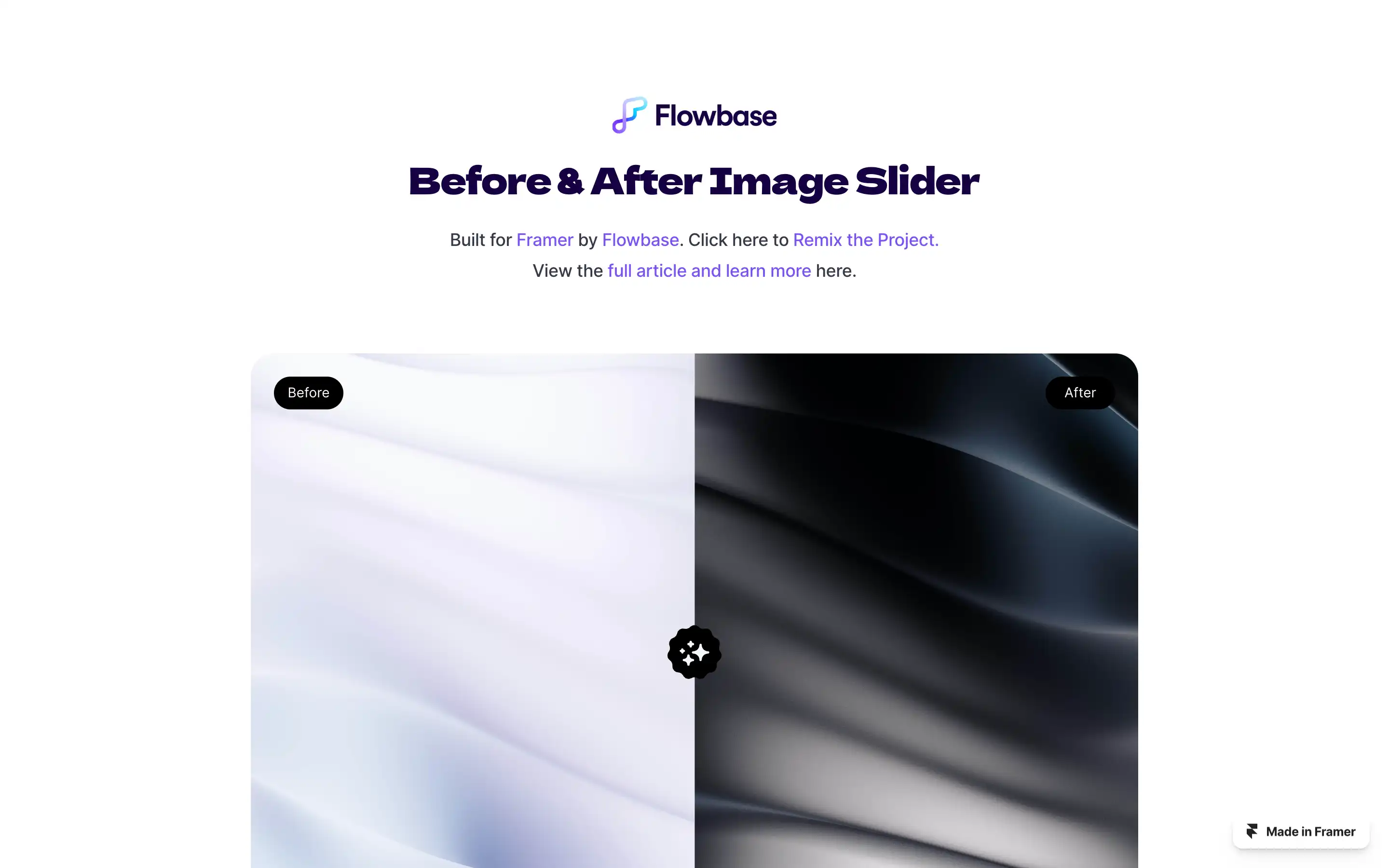
A free, customizable component for Framer developed by Flowbase. It enables users to create interactive image comparisons by overlaying two images with a draggable slider, allowing viewers to reveal the “before” and “after” states. This feature is particularly useful for showcasing transformations, such as design revisions, product enhancements, or visual effects.
Integrating the slider into a Framer project is straightforward: users can copy the component link and paste it directly into their canvas. Once added, the component offers various customization options, including adjustable slider handles, labels, colors, and typography, ensuring it aligns with the project’s design aesthetics. The slider supports both horizontal and vertical orientations, providing flexibility for different layout requirements. For those seeking a quick start, a remixable Framer project is available, allowing immediate experimentation and adaptation.