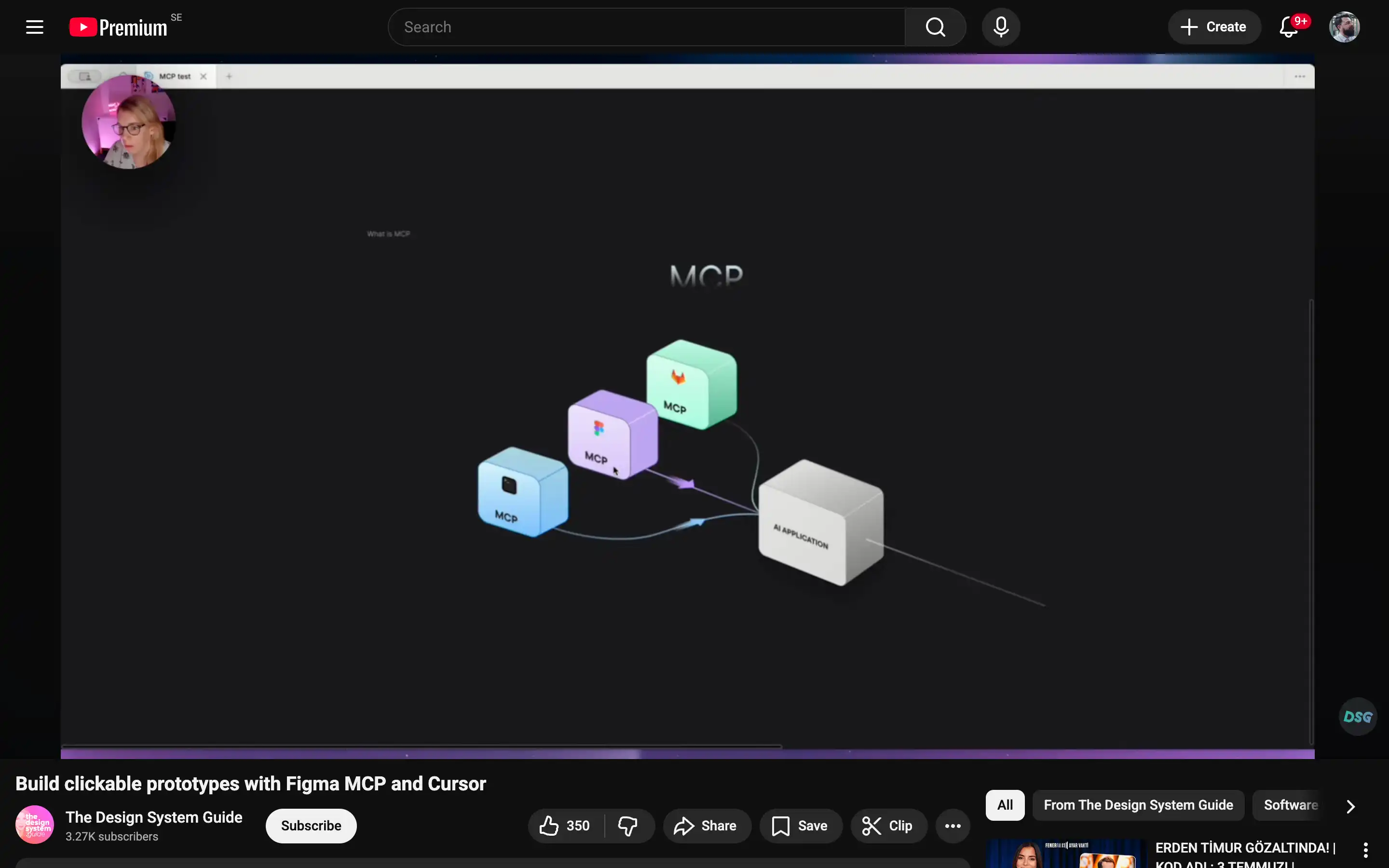
This YouTube tutorial walks through how to connect Figma MCP with Cursor to transform static Figma designs into interactive, clickable prototypes. It demonstrates the full workflow—from setting up MCP, exporting components, and configuring prompts, to generating functional prototype logic—showing how design and code can work together more seamlessly.
The resource is useful for product designers, UX designers, and design engineers who want to explore AI-assisted prototyping and reduce friction between design and implementation. It’s especially valuable if you’re experimenting with new design-to-code workflows or want to prototype interactions faster without manually wiring everything inside traditional prototyping tools.