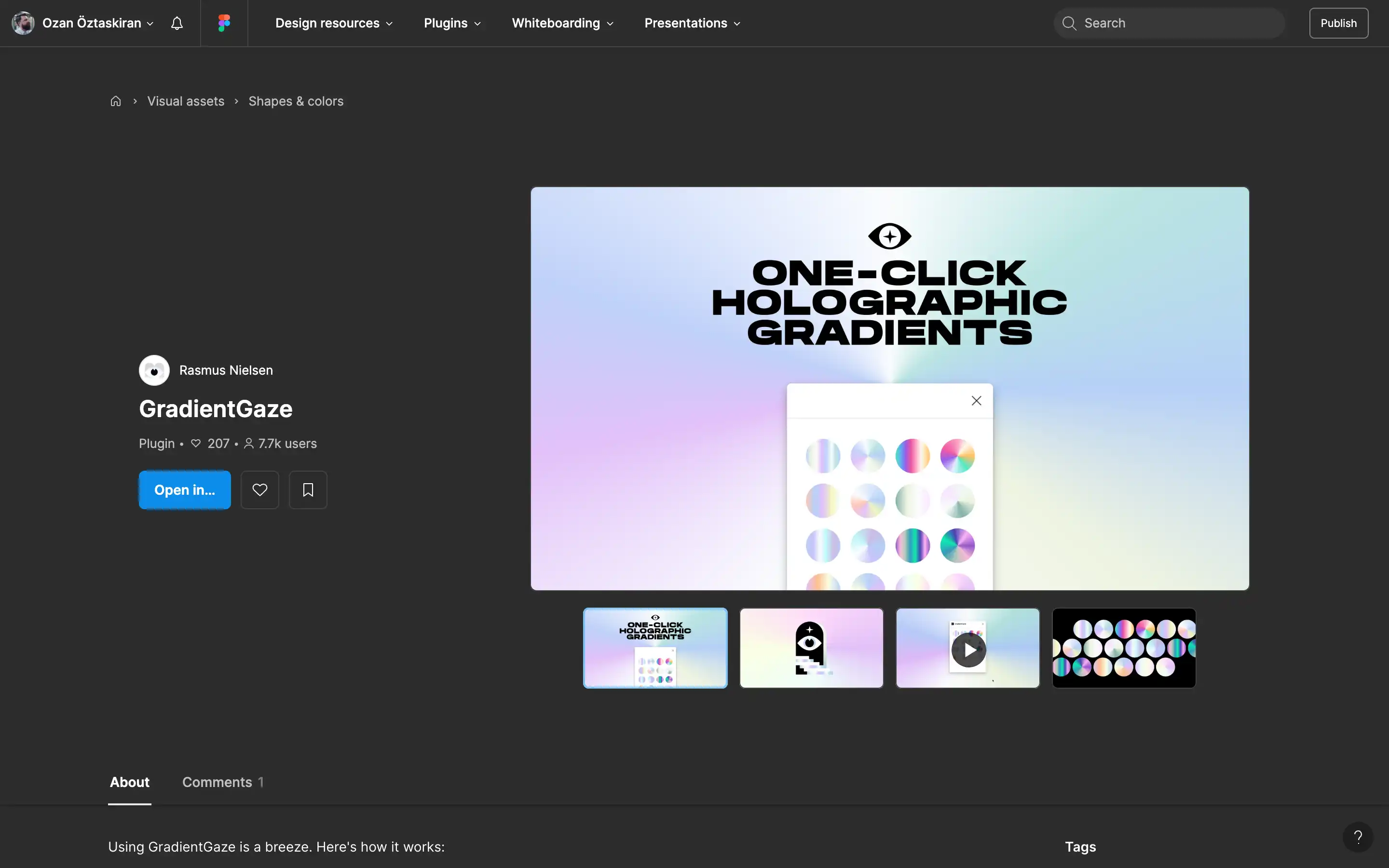
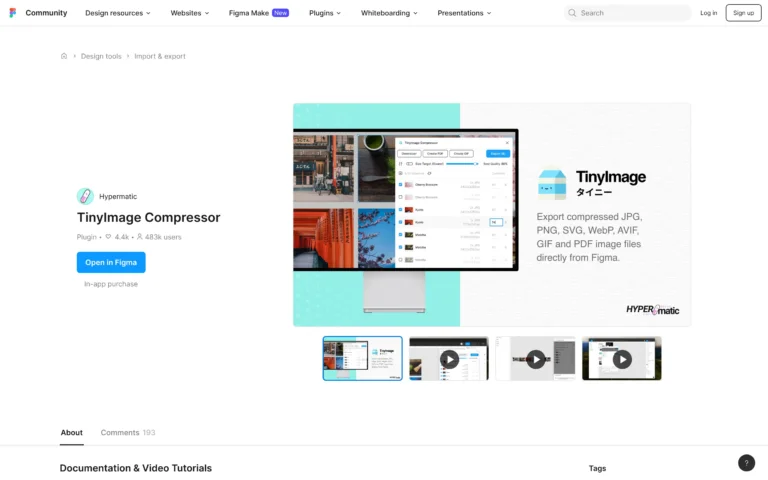
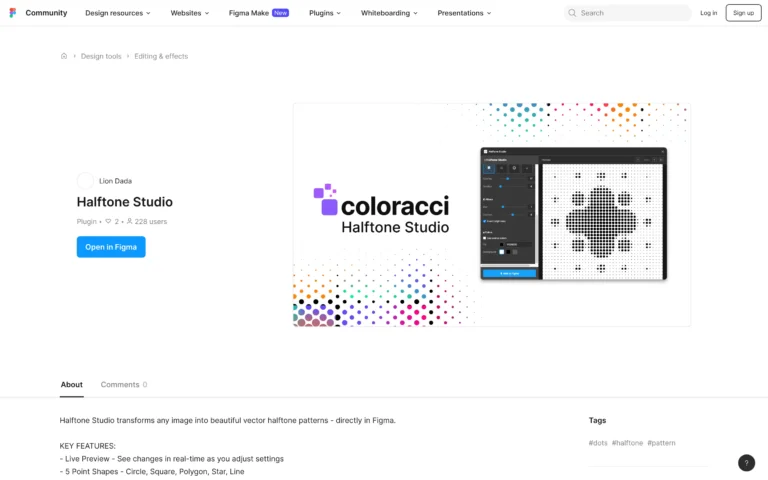
GradientGaze is a Figma plugin allowing users to add iridescent and holographic gradients to their designs easily. The plugin features a collection of pre-set gradient options represented by round buttons. You open the GradientGaze panel and click one of the gradient buttons to use it. This will apply the gradient to your selected design element. You can then customize the intensity, angle, or blend of the gradient directly in Figma. The plugin aims to make adding holographic touches to designs a quick and intuitive process.
GradientGaze
Simplify adding iridescent gradients to designs, offering customizable options for intensity and angle.
Topic(s):
Added on:

Design tool with AI superpowers and code ready output