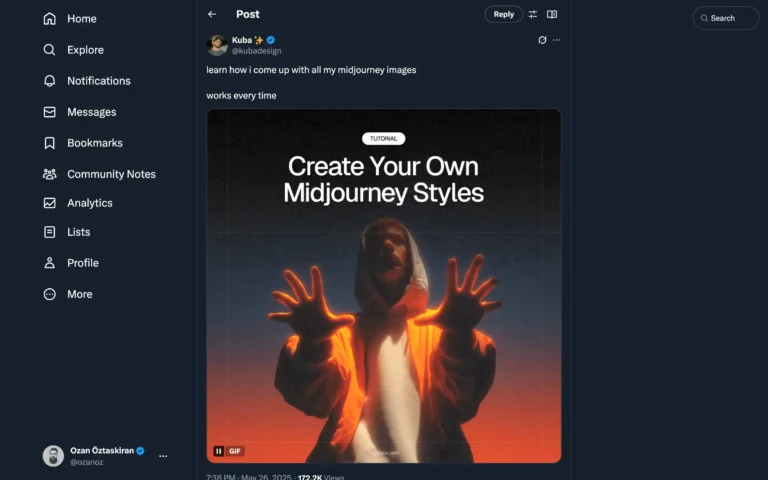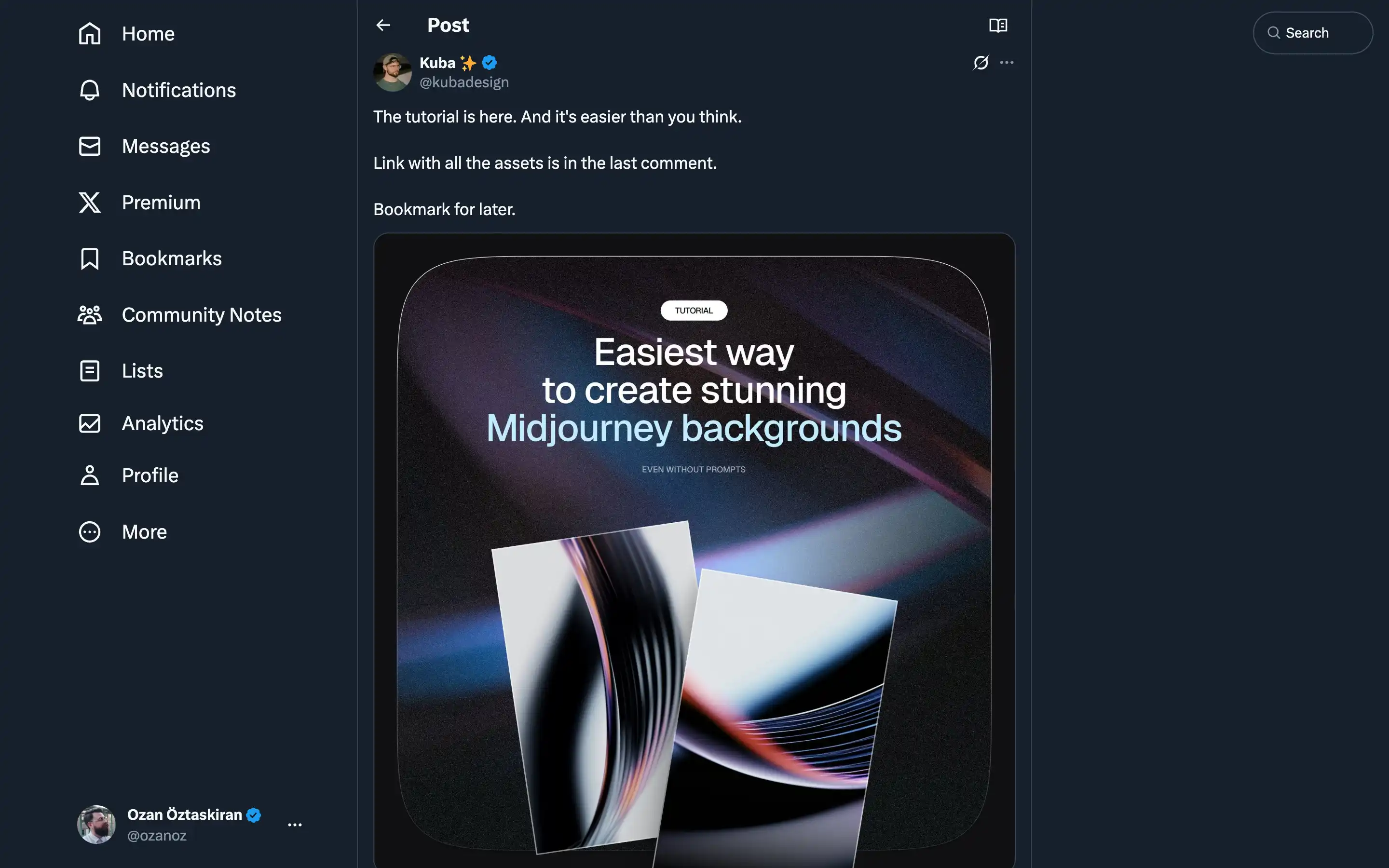
Kuba Design shares a detailed tutorial titled “How to Create Stunning Midjourney Backgrounds,” focusing on generating abstract designs without relying on text prompts. The process includes:
- Image Selection: Start with 2-3 images matching a desired aesthetic (e.g., “abstract wavy lines”) sourced from tools like Lummiai.
- Blending & Customization: Upload images to Midjourney (via the app or Discord’s /blend command), then refine outputs using parameters like –sref or –stylize to adjust aesthetics.
- Iteration & Variation: Experiment with prompts, colors, and post-production tweaks. Use “Vary Strong” on preferred results to explore more options or reuse/remix existing generated images for improved outcomes.
The tutorial emphasizes simplicity, encouraging users to experiment iteratively and leverage Midjourney’s tools to create professional-grade backgrounds. Kuba also highlights practical tips, such as balancing creativity with technical adjustments and avoiding over-complication.