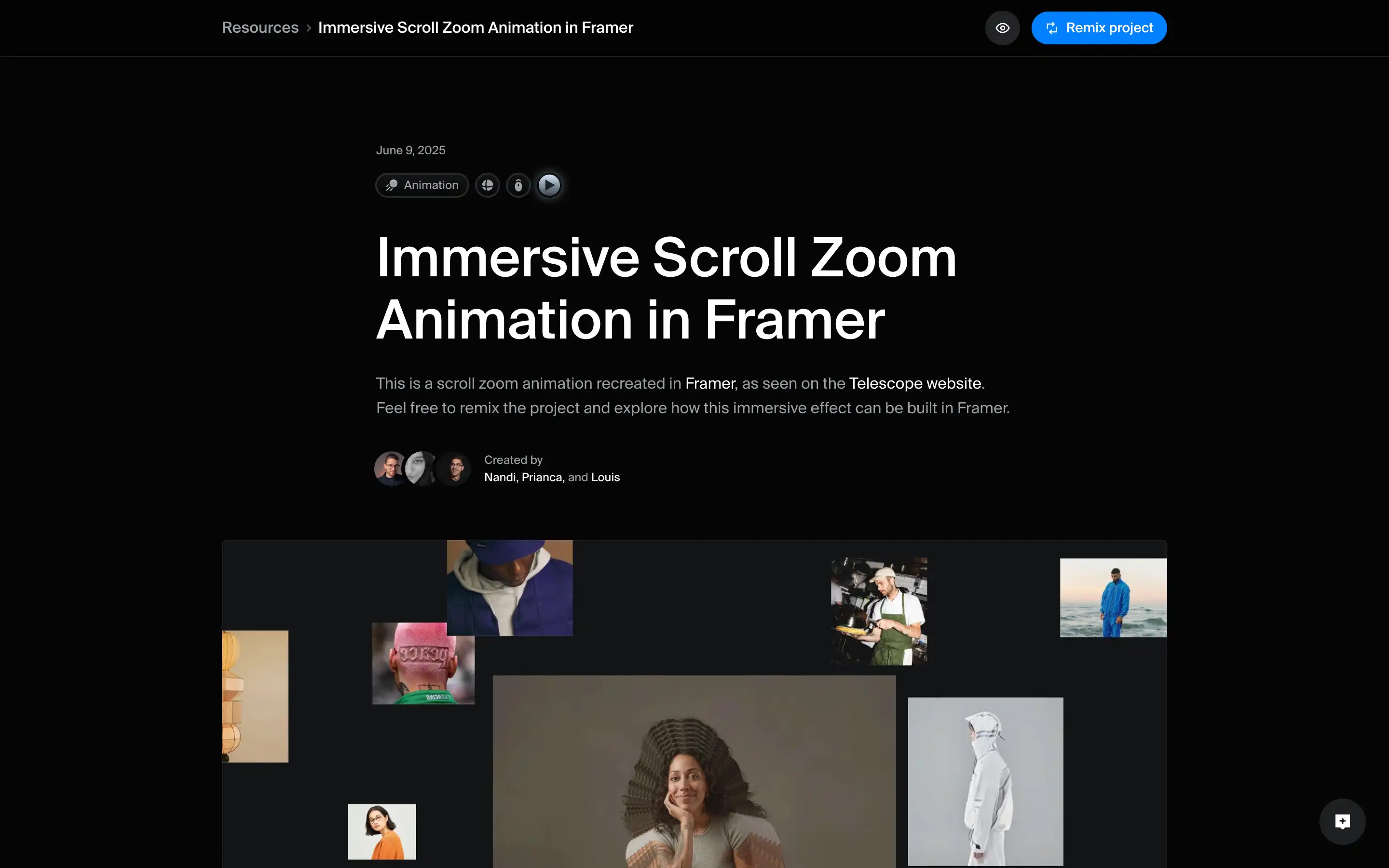
The page “Immersive Scroll Zoom Animation in Framer” from Framer University presents a step-by-step recreation of a striking scroll-triggered zoom effect, inspired by the Telescope website. The resource walks you through how to build a hero section where layered images and text animate in 3D as the user scrolls — using only Framer’s native tools (no custom code required). By combining a “sticky frame” for the hero section with a wrapper that preserves 3D perspective, each image layer is rotated on the Y-axis, positioned absolutely, and given scroll-triggered transforms so that images scale, shift, and appear to zoom toward or away from the user; at the same time, text layers fade and slide in, timed to the scroll. 
Beyond the mechanics, the resource aims to give designers a ready-to-remix template — including demo and remix project links — so they can plug in their own visuals and copy the “immersive zoom” effect into their own sites. The article explains how nested image wrappers, preserve-3D settings, scroll-transforms, and z-index layering work together to create depth and motion. For teams or individuals building visually rich landing pages or interactive hero sections, this resource provides a clear, practical walkthrough to add cinematic, scroll-based animations without writing custom code.