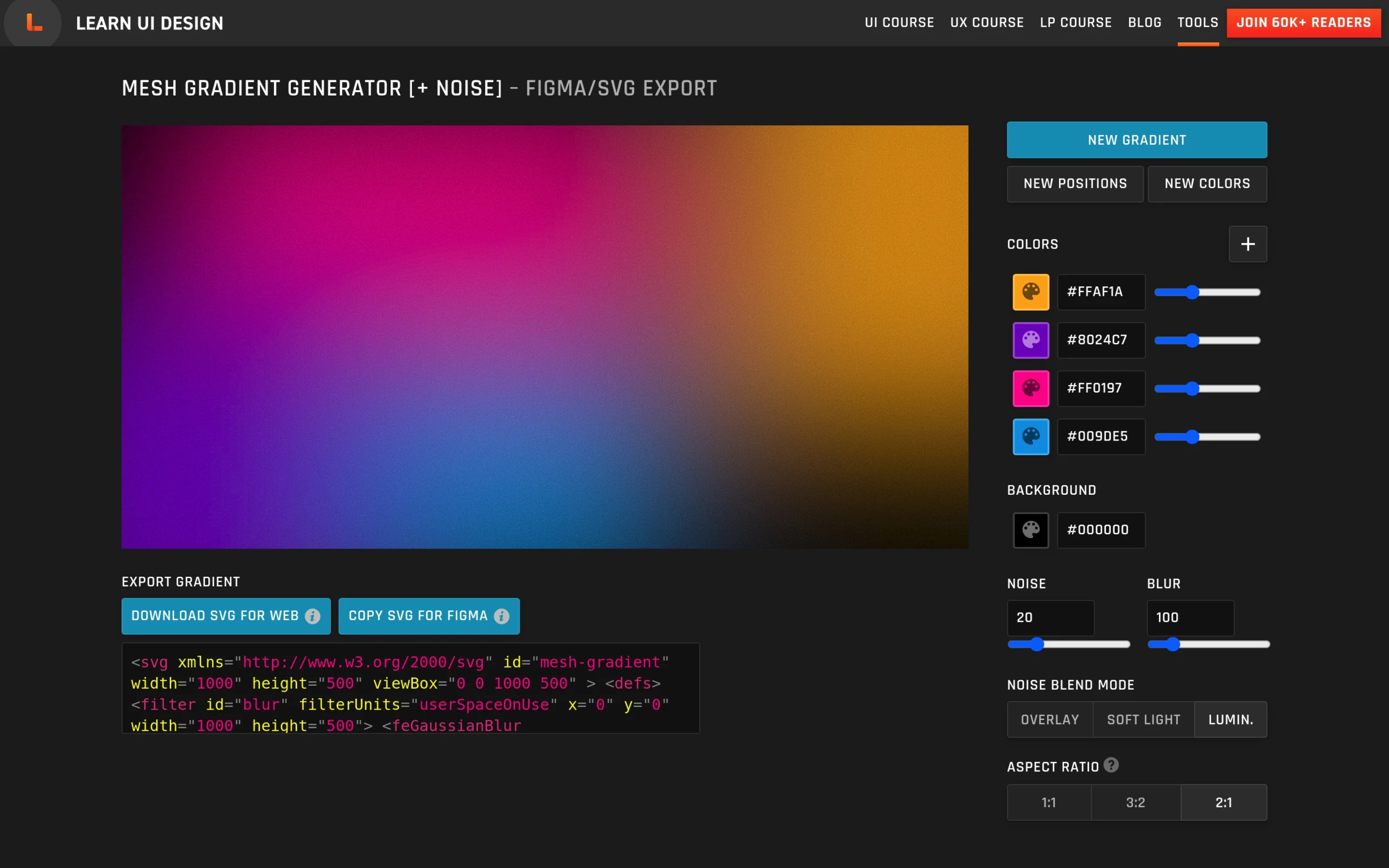
The Mesh Gradient Generator from Learn UI Design is an online tool for creating customizable mesh gradients with fine control over color, texture, and export format. The interface lets you add as many color swatches as you like, then quickly shuffle “New colors” and “New positions” to explore different layouts, while still allowing manual adjustment of swatch size, placement, and layering. On top of the base gradient, you can apply optional blur and grainy noise, with blend modes such as Overlay, Soft Light, and Luminosity to fine-tune how the texture interacts with the underlying colors. 
Once a gradient is ready, the tool supports one-click export as SVG for the web or “Copy SVG for Figma,” so designers can paste gradients directly into their design files and continue editing there. The page also explains limitations around noise import in Figma (which comes in as raster layers) and links to related color resources such as a standard gradient generator, data visualization palette picker, and an accessible color generator, as well as an article and newsletter for deeper dives into color and mesh gradient techniques. The tool is created by Erik D. Kennedy, the designer behind Learn UI Design.