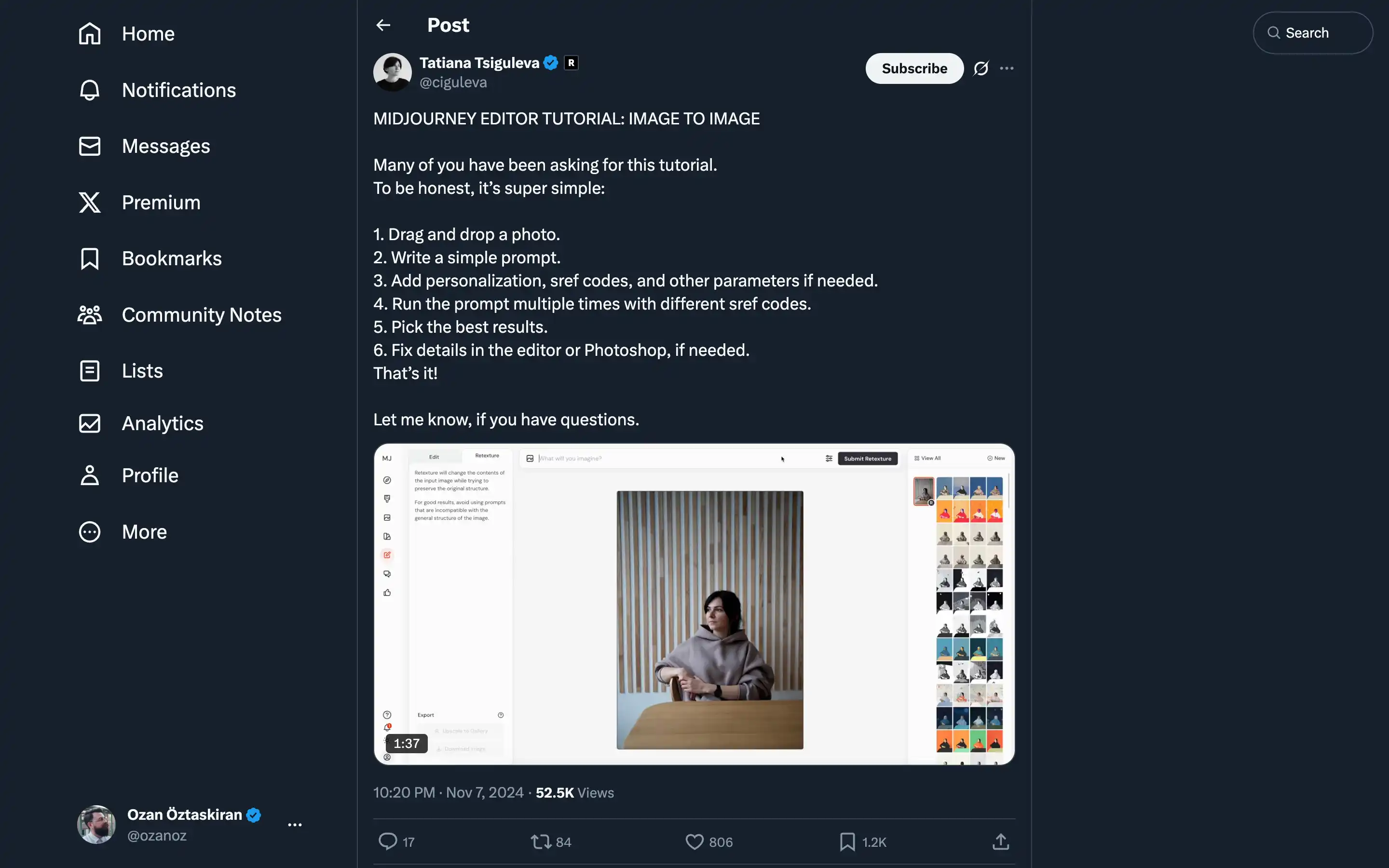
Tatiana Tsiguleva’s “MidJourney Editor Tutorial” provides a step-by-step guide for creating image-to-image transformations using MidJourney’s editor. This tutorial is designed to help users achieve personalized and polished results with minimal effort.
Steps in the Tutorial:
- Drag and drop a photo into the editor.
- Write a simple prompt to define your transformation goals.
- Enhance personalization with sref codes and additional parameters.
- Run the prompt multiple times using different sref codes to generate diverse outputs.
- Choose the best results that align with your creative vision.
- Fine-tune the selected output in the editor or Photoshop for a professional finish.
This guide is particularly helpful for users exploring image transformation and customization in MidJourney. For deeper exploration, Tatiana suggests resources like curated collections of sref codes, which can be found through her channels or shared by others on X (Twitter).