Designing captivating user interfaces requires more than static visuals—the strategic use of animation can elevate the experience to new heights. This comprehensive guide delves into the fundamental principles of animation in UX, equipping designers with the knowledge to harness its power effectively.
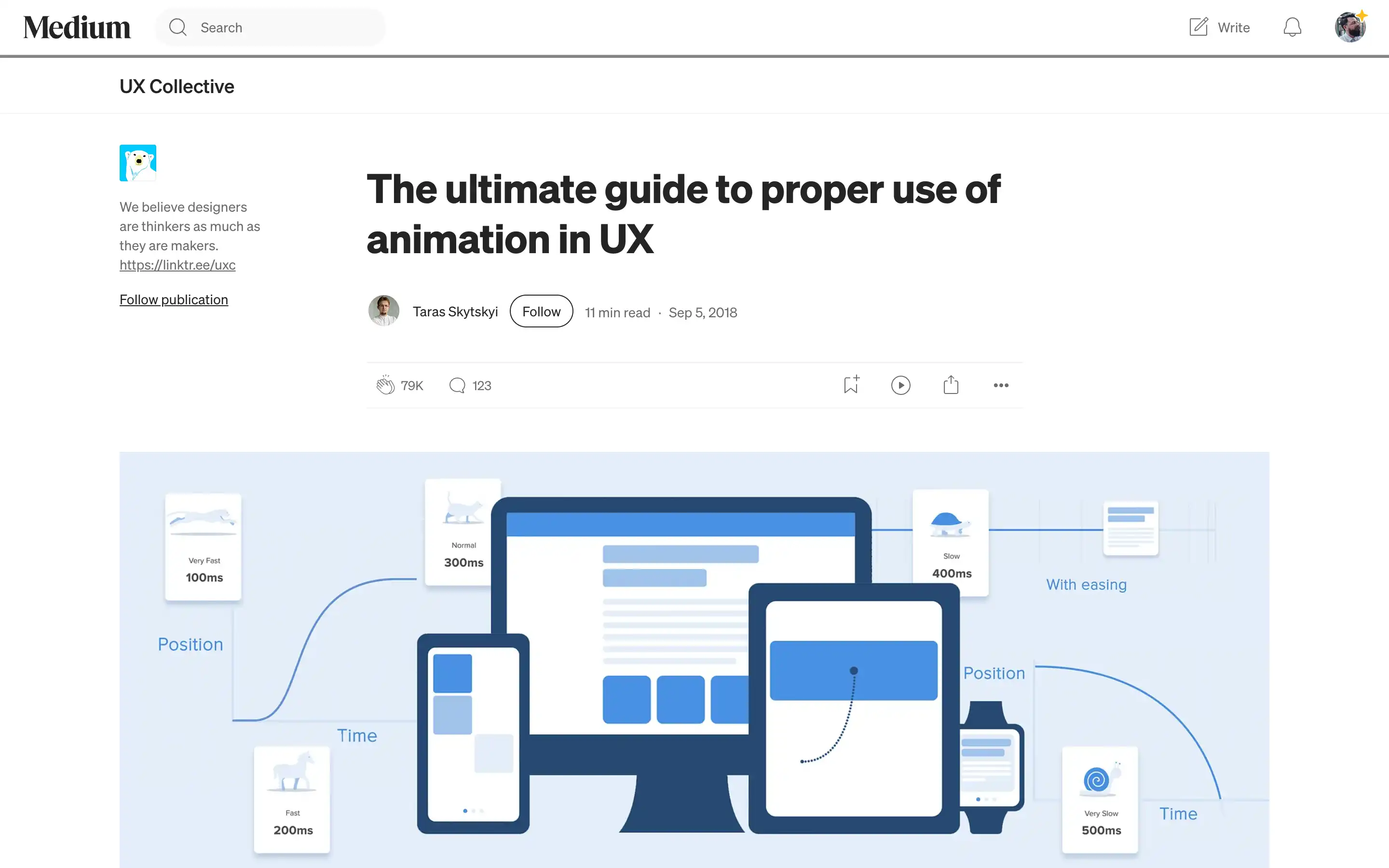
At the core of successful animation lies an understanding of duration and speed. The optimal range for interface animations falls between 200-500 milliseconds, striking a balance between allowing users to perceive the changes and avoiding a sluggish, tedious experience. Factors such as screen size and device type should be considered, with mobile interfaces requiring slightly shorter durations and web transitions even faster to maintain a sense of responsiveness.
Equally crucial is the concept of easing, which brings a natural, organic flow to the movement of on-screen elements. Linear motion, while simple, appears mechanical and unnatural. By leveraging ease-in, ease-out, and ease-in-out curves, designers can imbue animations with a lifelike quality, guiding the user’s attention and enhancing the overall aesthetic.