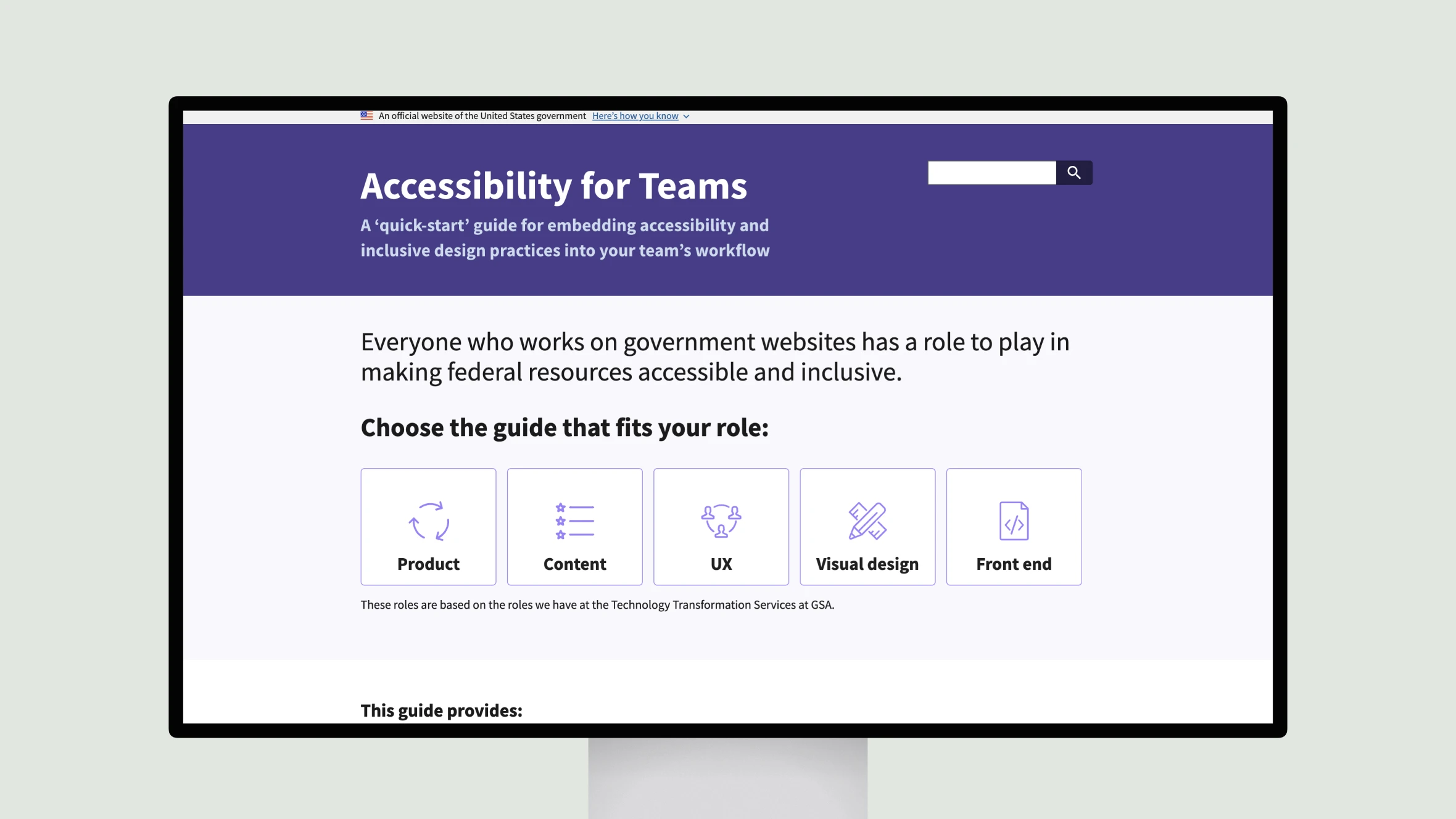
This guide from the U.S. General Services Administration (GSA) provides an overview of how different roles on a product team can contribute to accessibility. Whether you’re in product management, content creation, design, or development, there are steps you can take to make digital government resources more inclusive.
The guide is divided into sections for different roles, such as product managers, content writers, UX designers, and front-end developers. Each section provides an understanding of human needs and accessibility practices relevant to that role. The goal is for teams to embed accessibility into their workflows.
While the guide doesn’t provide a comprehensive list of all accessibility issues, it focuses on areas most critical for government websites. Teams will still need additional auditing against the Section 508 standards to ensure all users can access content, regardless of disability.
Accessibility is a team effort. By following practices tailored to their specialties, members across products, content, and engineering can collaborate to build inclusive digital services for all.