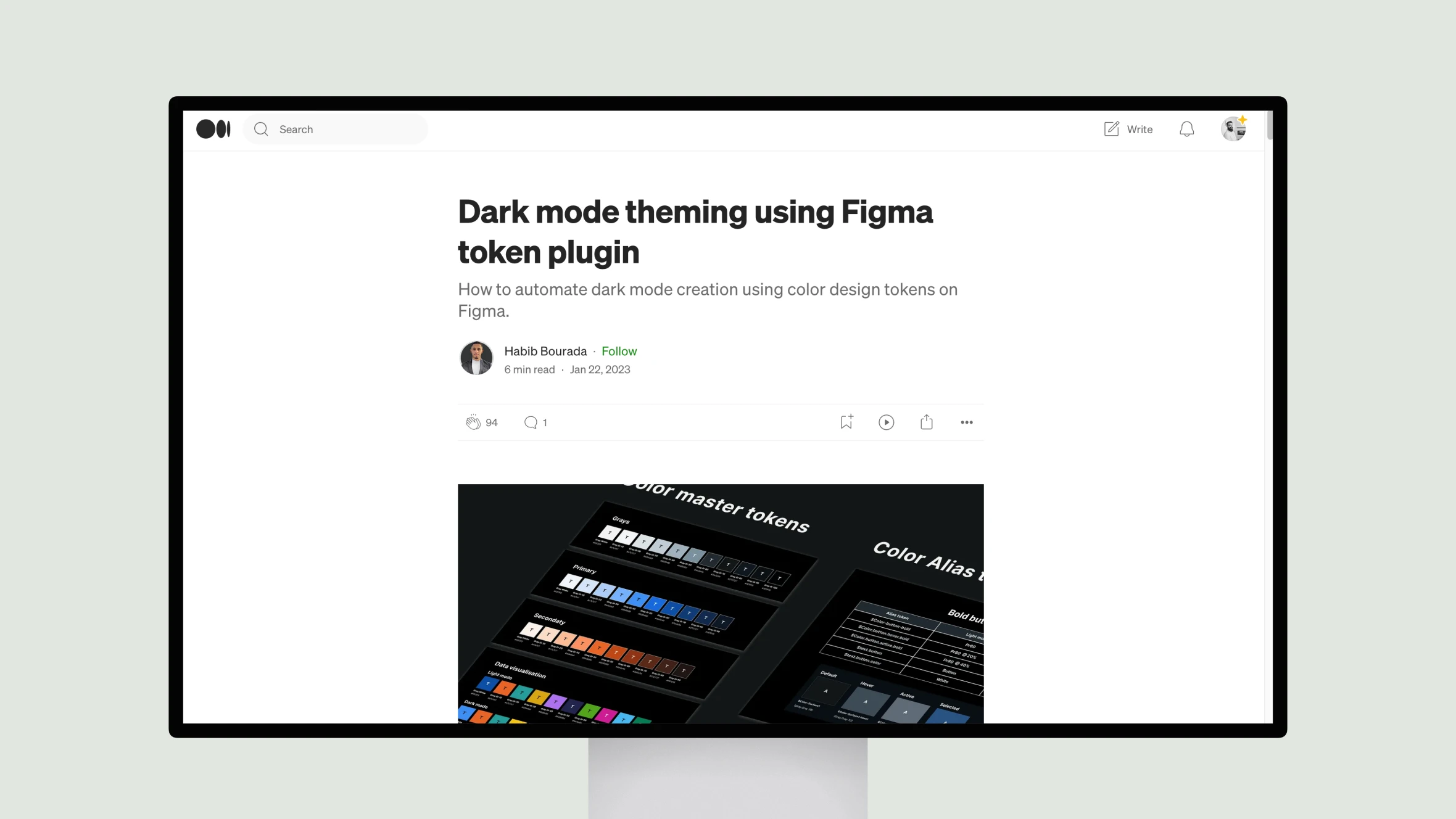
This article by design expert Habib Bourada outlines an efficient process for creating dark mode themes using Figma’s token plugin. Bourada begins by explaining the value of design tokens for organizing a project’s visual elements like colors, typography and more.
He then demonstrates how to establish “master tokens” for all color palettes, before defining “alias tokens” that link colors to their uses in components. This separation of concerns future-proofs a design system.
The most illuminating section takes readers step-by-step through planning light and dark token variants, implementing them in Figma, and applying the tokens across a sample interface. By centralizing all color values in tokens, designers can quickly switch between light and dark themes with a single click.
Bourada also showcases how to structure tokens for effortless organization in Figma’s plugin. Overall, his practical approach equips both designers and developers with a powerful method for maintaining visual consistency and coherence across projects through entire product lifecycles.