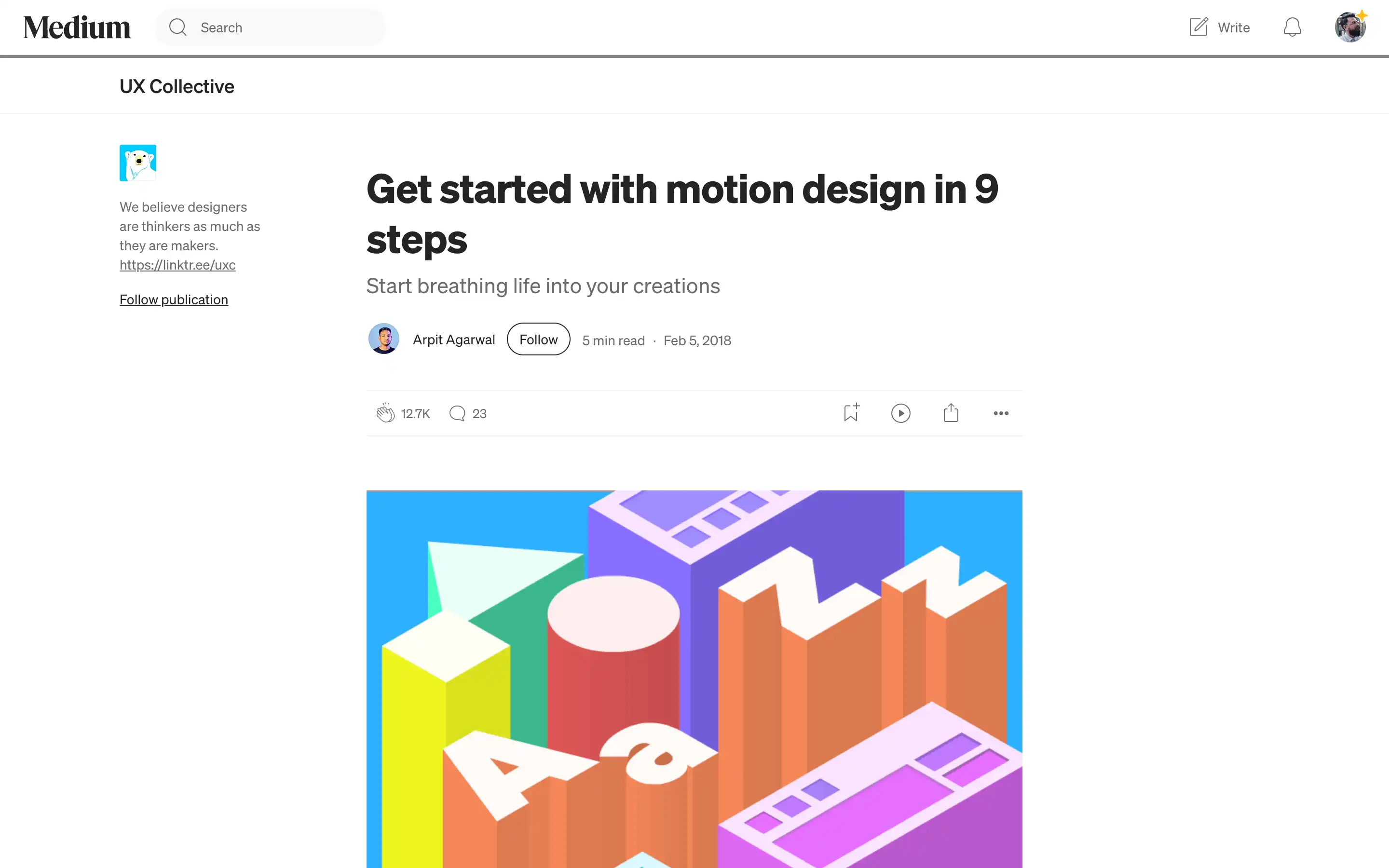
“Motion in UX design: 9 points to get started” is an introductory article by Arpit Agarwal that explains how to think about animation as a core part of user experience, not just decorative flair. It starts by encouraging designers to closely observe motion in everyday interfaces and emphasizes that animation should be considered from the beginning of the design process, helping to express hierarchy, cause and effect, and spatial relationships between screens and elements. The article outlines where motion is most useful—such as transitions between screens, micro-interactions, and waiting states—and groups motion into categories like transitions, micro-interactions, and graphic animations, each with a different role in supporting the product’s “personality” and clarity. 
From there, Agarwal highlights practical principles for using motion responsibly in products: using animation to provide orientation and spatial information, understanding key technical parameters such as duration, timing curves, paths, and start/end values, and respecting user flow by not forcing people to wait unnecessarily for animations to finish. Instead, motion should reduce friction, communicate system state, and only introduce delightful flourishes when they help the user or fill unavoidable waiting time. The article closes with a short tool list (Lottie, After Effects, Framer, Origami, Animatic, etc.) and advice to start with pen and paper or simple animatics. Overall, it serves as a beginner-friendly guide for UX and product designers who want to adopt motion thoughtfully, making interfaces feel more natural and informative without overwhelming users.