Variables are now available! Hurray!
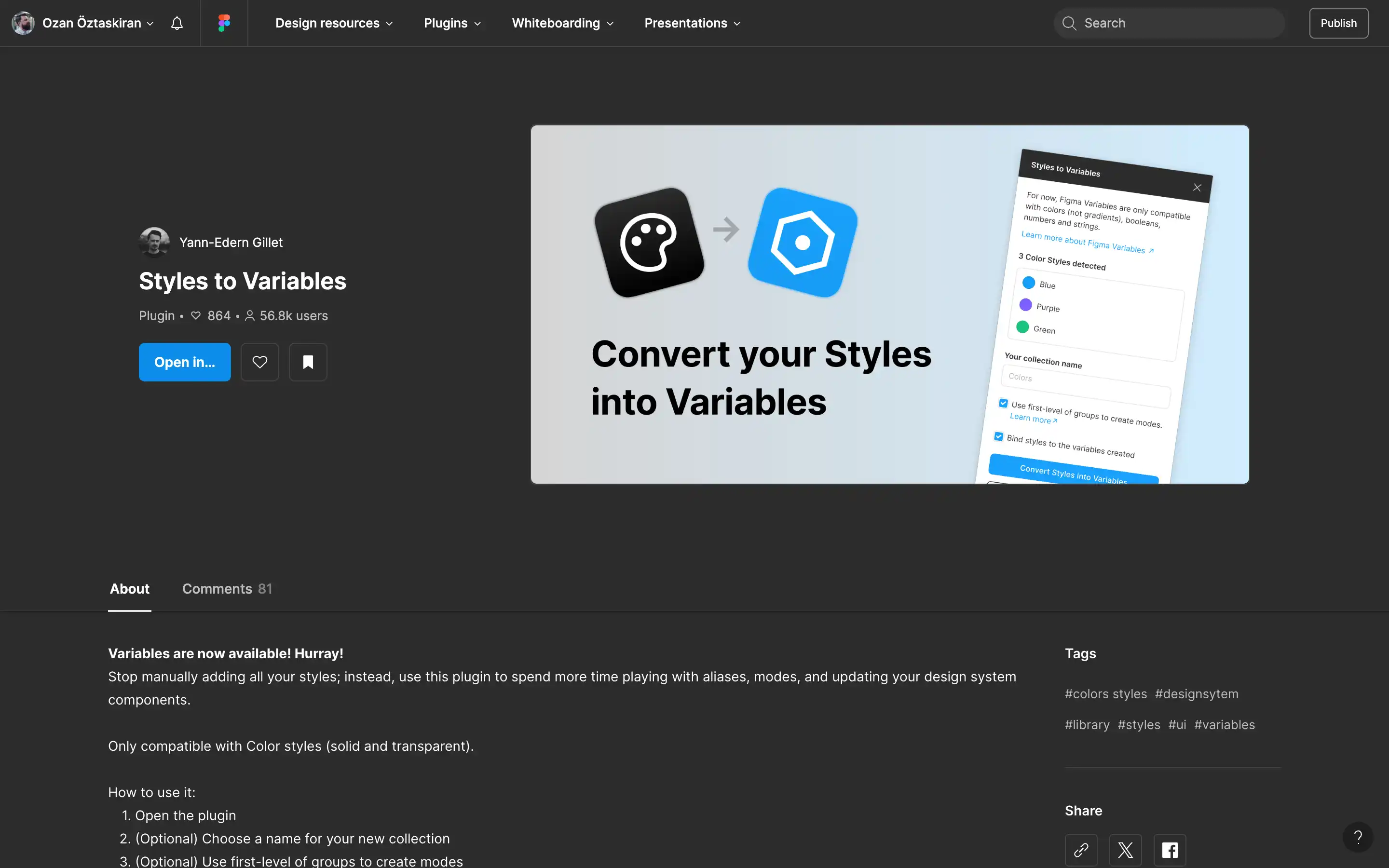
Stop manually adding all your styles; instead, use this plugin to spend more time playing with aliases, modes, and updating your design system components.
Only compatible with Color styles (solid and transparent).
How to use it:
- Open the plugin
- (Optional) Choose a name for your new collection
- (Optional) Use first-level of groups to create modes
- (Optional) Link styles to the variables created
- Click “Convert Styles into Variables”
- And voilà!
If you want to split your color styles across modes, please move your file from your drafts to a paid external team, or upload it to a team in another organization.
If you need help on anything, I wrote a dedicated guide with the most asked questions about the plugin ↗︎, please have a read before adding a comment to the plugin page.